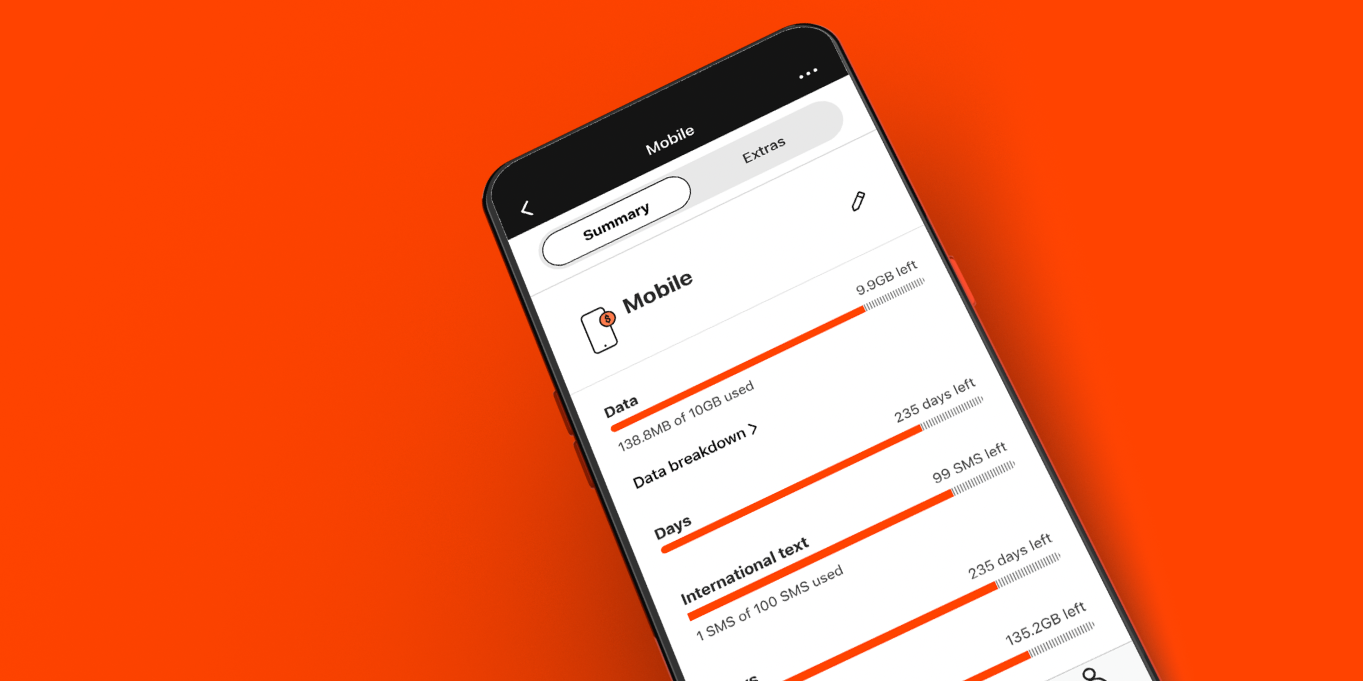
Download the My Boost Mobile app
The My Boost Mobile app has everything you need to manage your account more quickly. It's packed with handy tools like a faster, simpler way to recharge, a more intuitive and robust interface, and user-friendly design improvements, our app upgrade is made with you in mind.
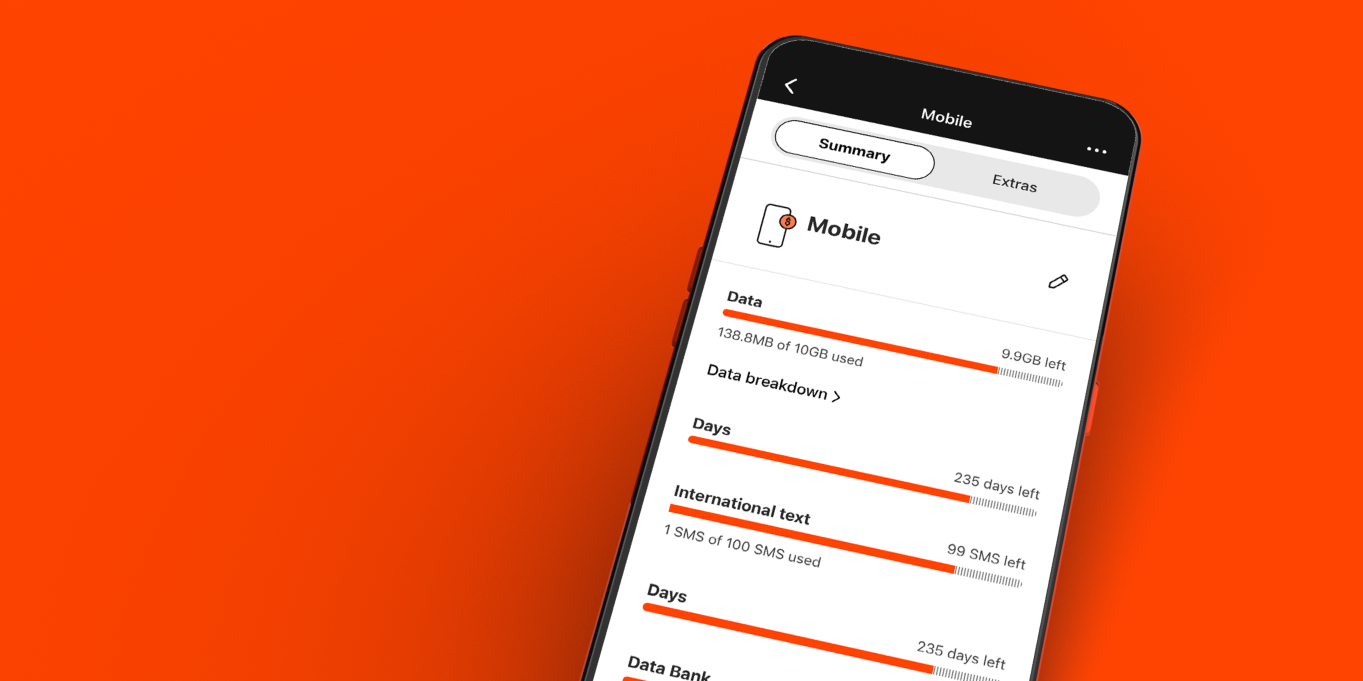
Android My Boost App
Here are some of the new features
- New PIN and Biometric authentication (Face & Fingerprint ID) to help keep your account even more secure.
- Message us directly from the app whenever you need, and you’ll get a notification when we’ve replied.
- The ability to view and compare up to six months of call, text and usage data.
- Set up nicknames for your services for easy identification (just visit the Services tab to change).
- All payments, such as recharge and auto recharge, are now under the Payments tab for easy access.
Get more from My Boost Mobile
Sign in with your username and password to access these features and set up auto recharge. Your username was formally known as Boost ID.

How to use the My Boost App
To set up your Boost username and password, simply open the app, click the Sign In button, and follow the prompts.
Your password must be between 8 and 16 characters in length, contain a lowercase letter, an uppercase letter, a number, and only supported characters (i.e. a full stop (.), underscore (_) or hyphen (-).
When prompted, enter your username in the box provided, and click Send.
An email will be sent with a link to reset your password. Simply click on the link and follow the prompts.
To recharge within the app, simply click the “Payments” quick link at the bottom of the app and “Recharge now.”
- Sign in to the My Boost App with your username and password
- Go to the Payments tab and select your Boost Pre-Paid service
- Select the Turn on auto recharge option and follow the prompts.
To cancel Auto Recharge:
- Sign in to the My Boost App with your username and password
- Go to the Payments tab and select your Boost Pre-Paid service
- Select the Turn off Auto recharge option and follow the prompts.
To update Auto Recharge:
- Sign in to the My Boost App with your username and password
- Go to the Services tab and select your Boost Prepaid service
- Select Auto recharge and then Change amount or Change payment method.
Manage contacts with authority on your account in the My Boost Mobile app:
- Sign in and select Security settings from the profile tab
- Then select Account contacts to view the contacts who have authority on your account
- Select the contact you wish to manage
- Change their level of authority, remove them from your account, or re-authorise
- Follow the prompts.